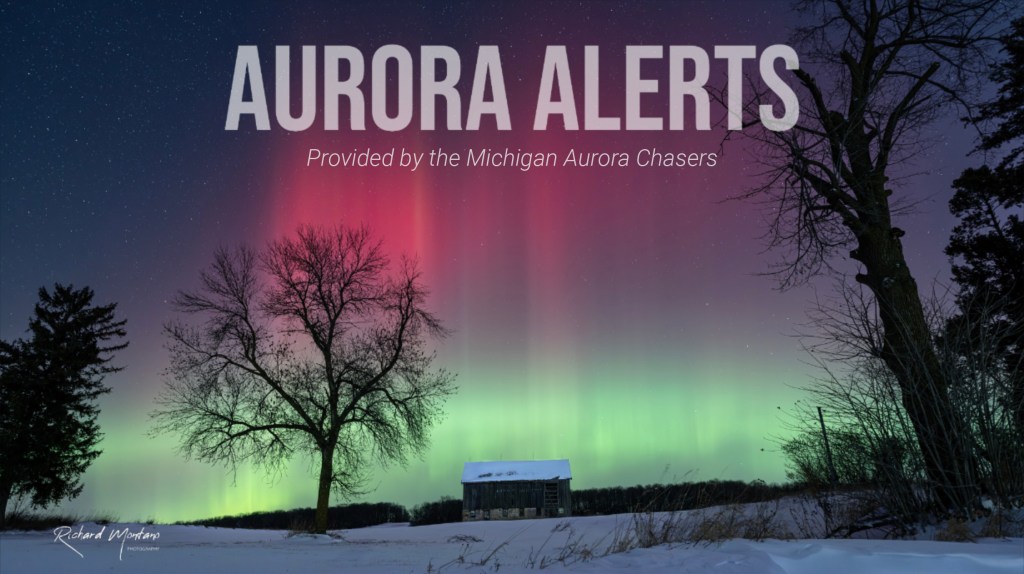
Providing Free Aurora Alerts for Michigan and the Great Lakes Region!
Ever wish someone would call you or text you when the Northern Lights are out? In the old days, this is the way people let each other know when the Aurora was popping. They would use a telephone chain to pass on the word!
Good news! Now, we can alert you to Northern Lights activity at our latitudes with push notifications or a sound on your phone from a common app.
Subscribe to the alerts channel! As of 2025, these Aurora Alerts are a free service offered using a free download of the Telegram App.
Explore Options:
- Michigan Aurora Alerts — led by volunteer spotters in Michigan
Jump to Michigan Alerts - Aurora Relay Channel: Great Lakes Official Webalerts (GLOW Alerts) — led by volunteer spotters in the Great Lakes region (MN, WI, MI)
Jump to GLOW Alerts - Recommendations — For more recommendations or resources on how to get alerted to active Aurora, browse our website to find Recommendations or MI Aurora Resources
Jump to this section - How to Set Up Audible Alerts — A tutorial
Jump to the tutorial
Michigan Aurora Alerts
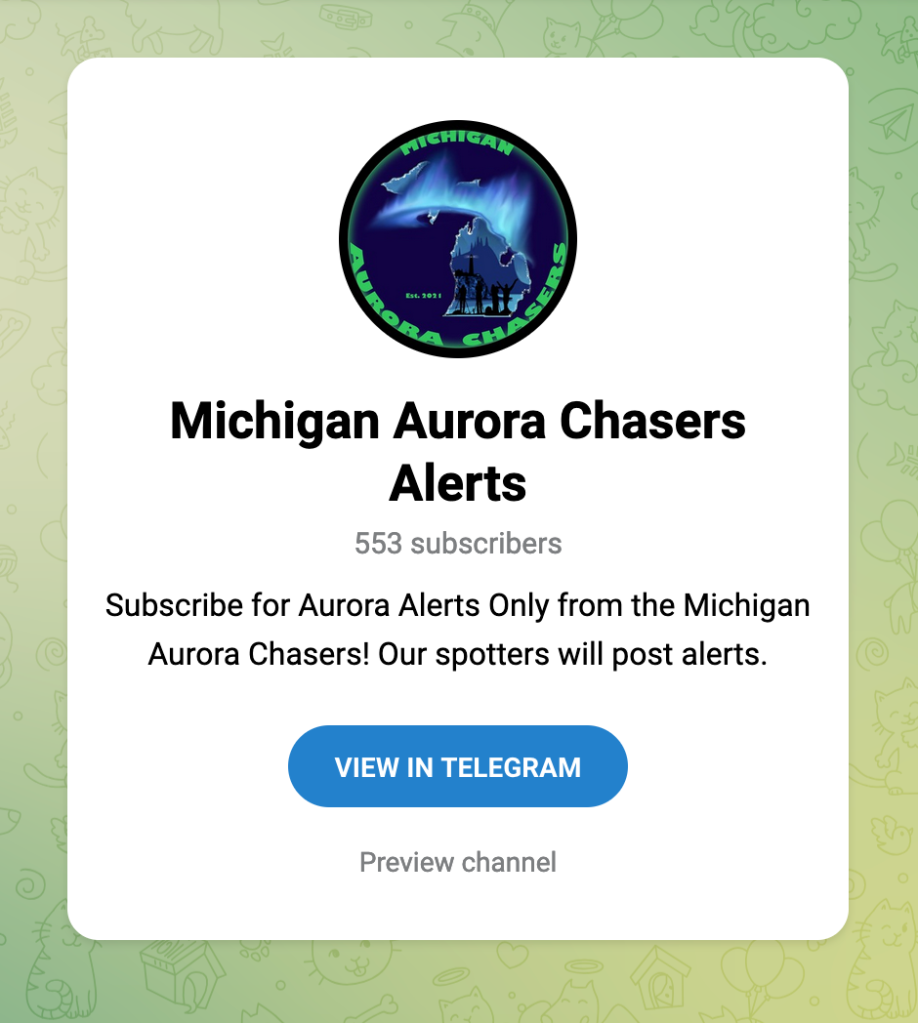
Welcome to our Alerts Only channel, where anyone can subscribe to find out when Aurora are happening in Michigan. If you share a similar latitude and similar darkness hours, these alerts could benefit you!
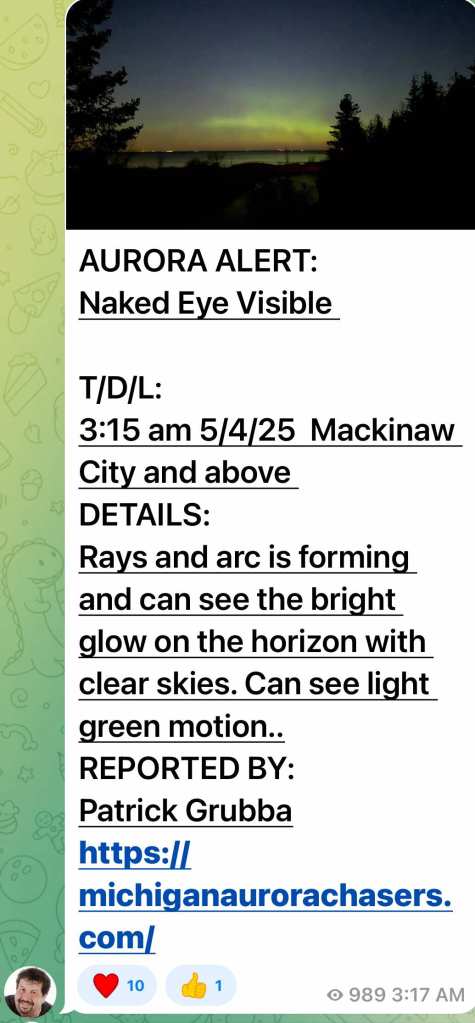
- Download the free Telegram App
- Lock down your privacy settings, and if you see new chats you want to block, click “Delete for Everyone.”
- Subscribe to @MichiganAuroraAlerts or follow this link:
https://t.me/MichiganAuroraAlerts - Go into your phone settings and customize the Telegram App notifications to wake you up at night.
Are you an experienced Aurora Chaser who would like to volunteer as a spotter in Michigan or surrounding areas? Contact us!
We’ll ask a few questions to get a sense of your skill level at spotting elusive Aurora, and let you know how you can join!
Regional Alerts: Aurora Relay Channel–GLOW Alerts
What if there was a free alerts system with push notifications, that delivered real, vetted sightings of the Northern Lights across the region?!
Now, there is! We’re proud to introduce GLOW Alerts!!
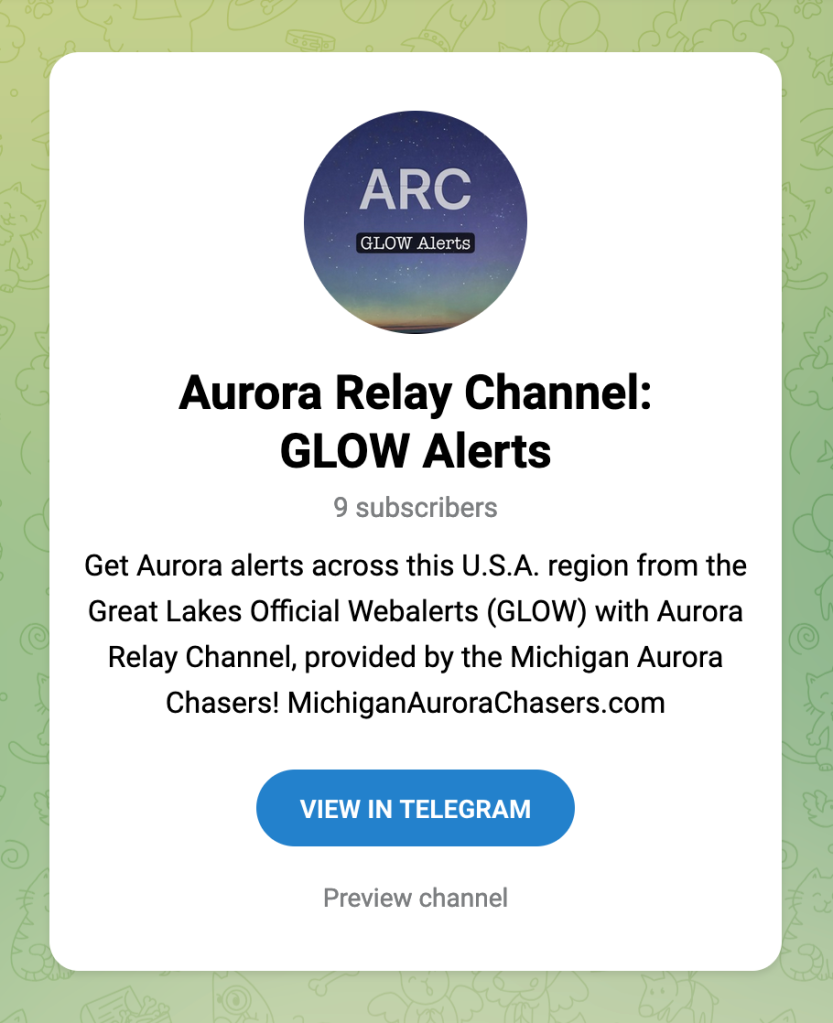
We invite you to join us on the Aurora Relay Channel: Great Lakes Official Webalerts (GLOW), provided by the Michigan Aurora Chasers! GLOW Alerts provides timely alerts of Northern Lights sightings in the northern tier of the U.S., centered around the Great Lakes region.
A network of spotters across the U.S. have volunteered to help provide these alerts when they are chasing Aurora. This is a one-way communication channel that offers alerts only, from experienced Aurora Chasers. We’d like to share a sincere thank you to our spotters!
Anyone interested in timely push notifications that ping your phone or device can subscribe to the Channel, using the Telegram App. Download the free app, tighten your security settings on the app, and then subscribe to the channel. Visit this link to subscribe: https://t.me/AuroraRelayChannel
Would you like to join in as a spotter? Contact us or one of the Michigan Aurora Chasers Admins: MichiganAuroraChasers.com/team
Recommendations
As the game of chasing Aurora continues to change, there are many other services that we highly recommend, provided by other groups, platforms and regions. Read more about out Recommendations at the link:
MichiganAuroraChasers.com/Recommendations
These tools can help anyone on their search for Aurora, as well. Check out our Michigan Aurora Resource List, which is easily searchable anywhere on the web. Visit #MiAuroraResources:
MichiganAuroraChasers.com/mi-aurora-resources
How to Set Up Audible Alerts
Did you know you can program your home robot assistant voice to tell you when the Aurora is exploding in the night sky? Check this out:
Yes, both Alexa and Siri can be set up to announce calls or notifications from specific contacts or apps. You can use voice commands or the respective apps to configure these features.
Alexa:
To have Alexa announce calls from specific contacts, you can link your phone number to your Alexa account and enable the “Announce Calls” feature. Learn more about how to connect T-Mobile phone number to an Alexa device.
For notifications, you can set up routines within the Alexa app to trigger announcements when a specific app sends a notification.
Alexa can also announce incoming calls from phone contacts. You can turn on “Announce Calls” in the Alexa app to have it announce who is calling.
To configure these features for Alexa:
- Open the Alexa app and navigate to your settings.
- Go to “Communicate” and enable “Calling and Messaging.”
- Link your phone number and import contacts.
- Enable “Announce Calls” to have Alexa announce incoming calls.
Siri:
Siri can be configured to announce calls from specific contacts by going to Settings > Phone > Announce Calls.
You can also have Siri announce notifications from specific apps by going to Settings > Notifications and turning on “Announce Notifications” for the desired app.
To configure these features for Siri:
- Go to Settings > Phone > Announce Calls.
- Turn on “Announce Calls” to have Siri announce incoming calls.
- Go to Settings > Notifications and choose the app you want to have Siri announce notifications from.
- Turn on “Announce Notifications” for that app.
Now, using the Telegram App with notifications from a Channel such as @MichiganAuroraAlerts, you can announce these alerts from the spotters in the Michigan Aurora Chasers!
Subscribe to our Alerts Only channel: https://t.me/MichiganAuroraAlerts
 Michigan Aurora Chasers